

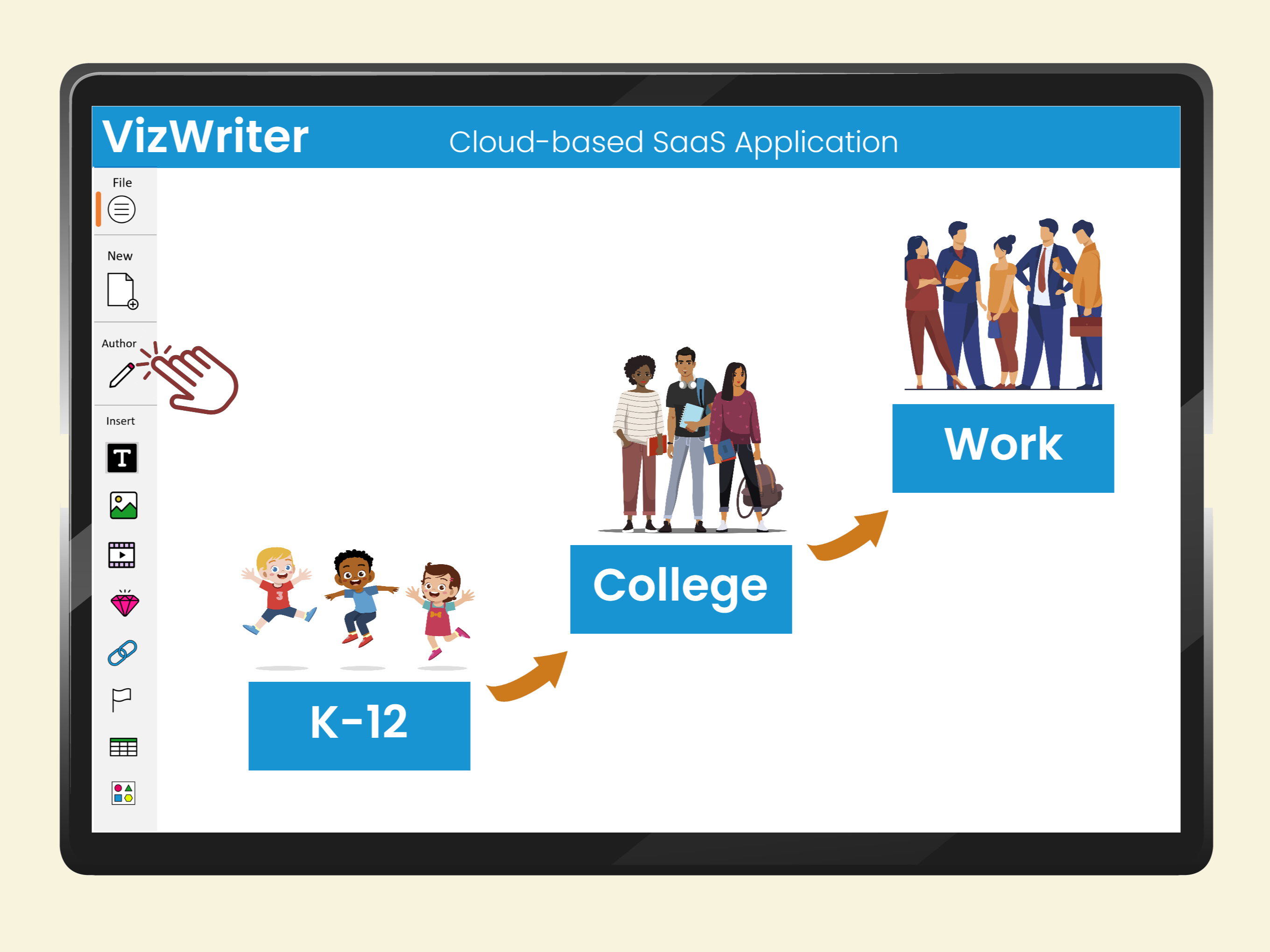
Writing visually has never been so easy
VizWriter is a new type of software for creating interactive learning content, note-taking, sharing knowledge, studying, and productivity!
Technically, it is the world's first "visual modeling language" word processor and presentation software.
A document or web content created using VizWriter is called a VizDoc. VizDocs are highly interactive, highly structured, non-linear, multimodal, accessible to a broad range of diverse learners, automatically labeled, and pedagogically advanced. Create next-generation web learning content and office documents using VizWriter.
Main benefits of VizWriter
VizWriter empowers authors, educators, and content creators to efficiently produce highly interactive and captivating content. Learners benefit from VizWriter's ability to accelerate understanding of complex topics by visually representing concepts and their relationships. Whether you're a learner or a creator, VizWriter cultivates structured and non-linear thinking, enhances reasoning skills, and fuels creative problem-solving.VizWriter is a cloud-based app; there is no need to install or download the app.

Super easy to use
VizWriter is super easy to use because the rules of VizLanguage are built into the application. Depending on your age and background, you can learn how to create a VizDoc in 30-90 minutes. See video here.

VizWriter vs PowerPoint
PowerPoint is great for presentation of low content volume ("shallow" information). For example, use PowerPoint for a TED talk or introducing a new product on stage.VizWriter is superior for presentation of high content volume ("deep” information). For example, use VizWriter to convey complex academic and business topics where the amount of information to be understood and recalled is large.

VizWriter vs Google Docs
Word processors (such as Microsoft Word and Google Docs) are great for many functions. For example, they are great for producing documents that need to be printed or adhere to certain publishing formats. They are great for storytelling and linear presentation of passive content.
VizWriter is superior for creating web content that is highly interactive, highly structured, non-linear, visual and optimized for learning and communication of complex ideas.

VizWriter is for: I) young, adult and lifelong learners; II) educators, teachers, and professors; III) online tutors, coaches, therapists, and consultants; IV) online course creators; V) textbook publishers; VI) small and large organizations; and VII) AI platforms.
I. For young, adult, and lifelong learners
Young, adult, and lifelong learners can use VizWriter to:
1) Create interactive content that is easy to visualize and digest;
2) Create study guides (instead of using Google Docs or MS Word);
3) Take notes (from lectures or textbooks);
4) Brainstorm and organize ideas visually.

II. For educators, teachers, and professors
Educators, teachers, and professors can use VizWriter to:1) Create and present lecture notes (instead of using PowerPoint);
2) Create interactive study guides (instead of using Google Docs or MS Word);
3) Enhance online teaching and communication;
4) Increasing accessibility of textbooks and other materials for students;
5) Generate supplemental income by selling VizDocs in VizDocs Marketplace.

III. For online tutors, consultants, coaches, and therapists
Online tutors, consultants, coaches, and therapists can use VizWriter to:
1) Effectively transfer knowledge;
2) Effectively collaborate and communicate;
3) Convert lecture notes into VizLanguage for clients;
4) Increase accessibility of content for diverse learners;
5) Improve patient outcomes when used during telemedicine and telehealth.

IV. For online course creators
For online course creators, VizWriter can:1) Repurpose video-based courses into interactive & engaging content;
2) Repurpose text-based courses into interactive & engaging content;
3) Reach a broad range of diverse learners;
4) Improve learning outcomes;
5) Increase sales.

V. For textbook publishers
Textbook publishers can use VizWriter to:
1) Repurpose video-based courses into interactive & engaging content;
2) Repurpose text-based courses into interactive & engaging content;
3) Reach a broad range of diverse learners;
4) Improve learning outcomes;
5) Increase sales;
6) Create new products.

VI. For small and large organizations
Small and large organizations can use VizWriter to:1) Enhance collaboration and improve productivity;
2) Improve training and performance outcomes;
3) Reduce training costs;
4) Improve engagement with content;
5) Enhance team collaboration in solving complex problems;
6) Reduce barriers in communication and bring clarity to discourse;
7) Support diverse learners and workforce;
8) Improve conflict resolution skills;
9) Accelerate knowledge capture and transfer;
10) Accelerate acquisition of new knowledge across the organization;
11) Increase accessibility to training materials for a broad range of diverse learners including visually oriented learners, young and adult learners with dyslexia or ADHD, as well as English Language Learners.
12) Assist with creating a roadmap to build AI solutions.

VII. For AI training businesses
AI platforms can create and use VizDocs for enhanced training of large language models (LLMs) or reasoning/cognitive systems.
Problem: During pre-training phase, a large language model is trained on a massive corpus of text data to learn language patterns and generate coherent responses. However, the model doesn't have explicit knowledge of structured information or relationships between entities. Instead, it learns associations and statistical patterns from the text. As such, it can produce inaccurate or unreliable responses.
Solution: By incorporating VizDocs (a form of knowledge graph) during the fine-tuning phase of training, a language model like ChatGPT can learn to leverage the structured information and relationships encoded within the graph to enhance its:
1) understanding,
2) reasoning,
3) fact-checking,
4) entity resolution,
5) contextual generation capabilities.